Edusync360 For South African Schools
One platform for school finance, parent visibility, and academic reporting
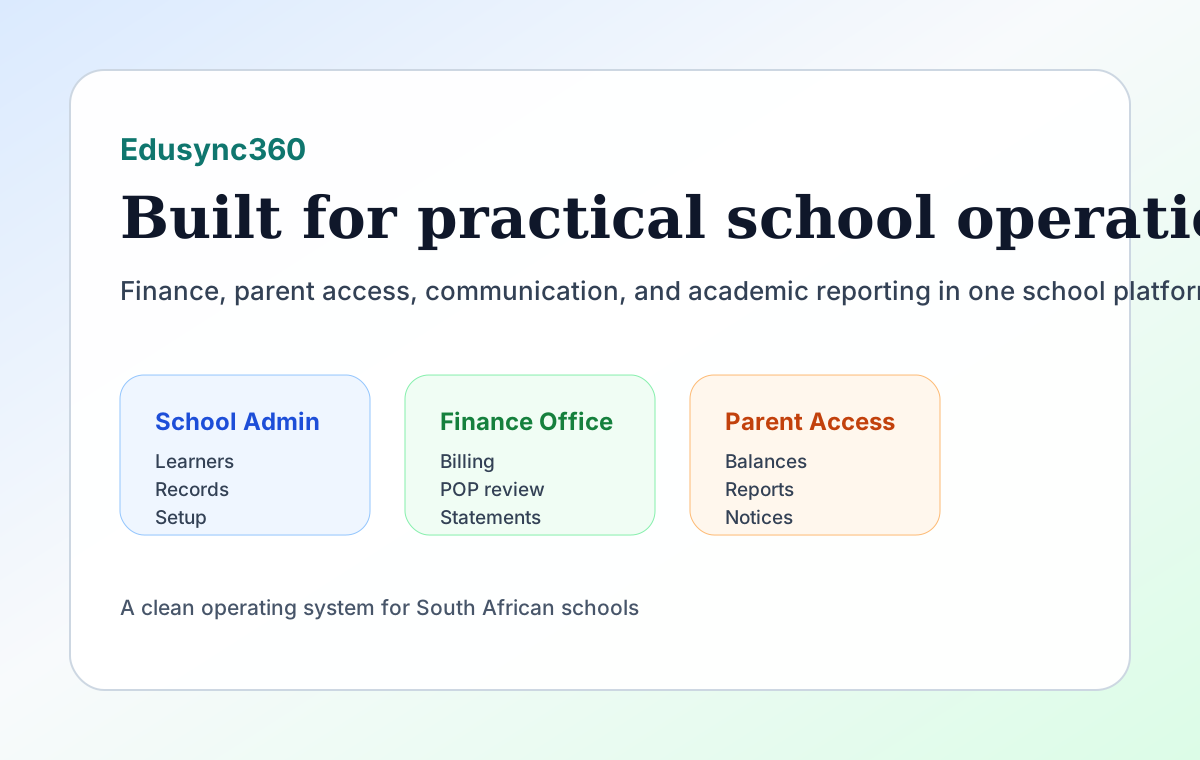
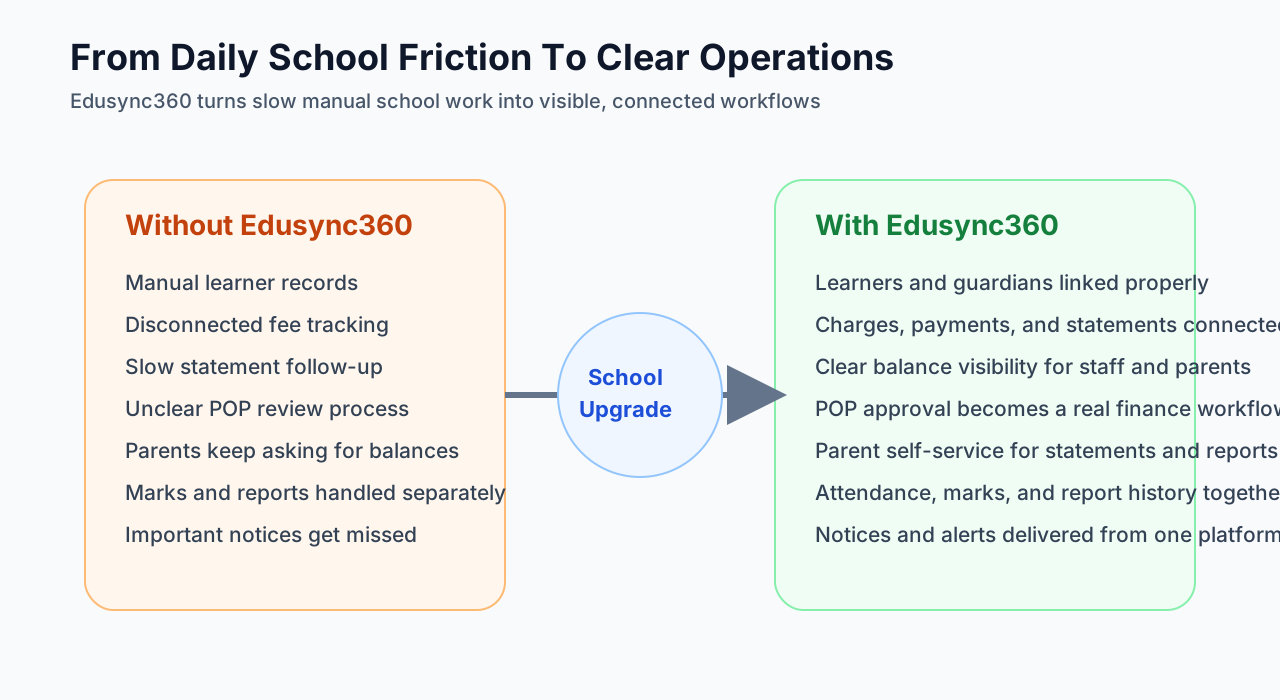
Edusync360 helps schools run daily operations in one clean system instead of juggling spreadsheets, WhatsApp messages, manual statements, and disconnected reporting processes.
What Problems Edusync360 Solves
For School Admin Teams
Capture learner and guardian records correctly, keep school setup organised, and reduce time spent on admin follow-up.
For Finance Offices
Manage charges, payments, receipts, statements, POP approval, and debtor follow-up from one finance flow.
For Teachers And Academics
Track attendance, capture marks, prepare reports, and keep parent-facing academic information up to date.
For Parents
See balances, statements, reports, notices, and attendance snapshots, and upload proof of payment from one parent login.
What Schools Get
Web Admin Portal
- Learner registration and guardian linking
- School setup, terms, branding, and bank details
- Finance setup, billing, payments, statements, and debtors
- Attendance, academic input, and report generation
- Documents, exports, audit logs, and support center
Parent Portal And Mobile Experience
- Multi-child access from one parent account
- Balances, statements, and payment history
- Proof of payment upload and status tracking
- Academic report history and notices
- Attendance alerts and notification preferences
Why Schools Like This Model
Less manual finance work
Statements, receipts, balances, POP review, and debtor follow-up are connected instead of being handled in separate places.
Stronger parent communication
Parents can see key information themselves, which reduces avoidable calls and repeated payment-status questions.
Better visibility across the school
Admin, finance, academics, and parents work from one school record instead of disconnected tools.
Built for local school workflows
Edusync360 is shaped around South African term structures, school fee statements, family billing, and mobile-first parent access.
How Rollout Works
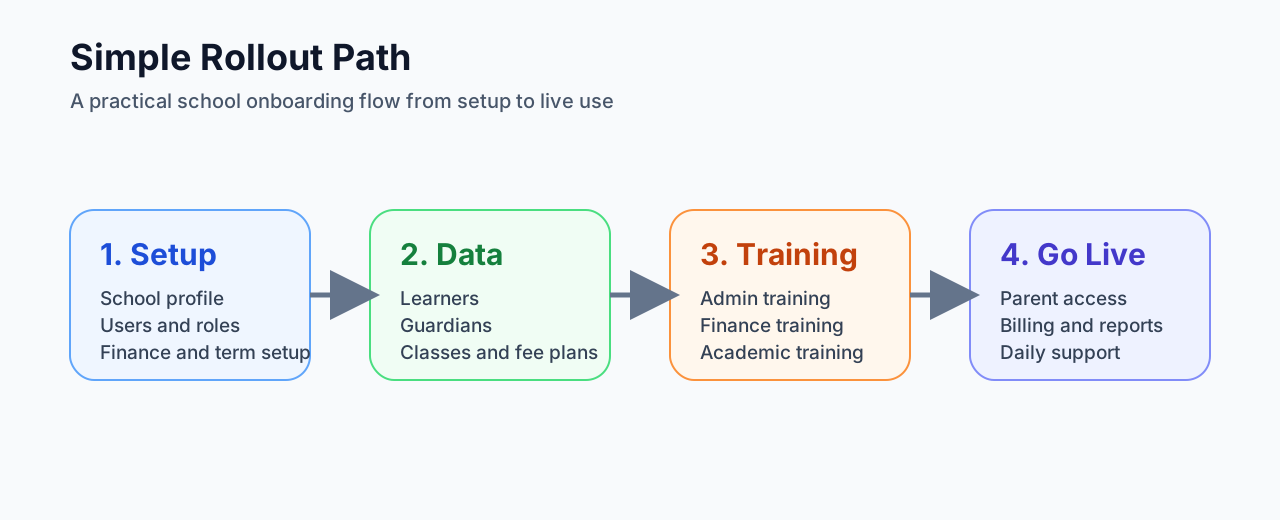
1. Setup And Onboarding
School profile, user roles, classes, finance settings, and initial data are prepared for go-live.
2. Staff Training
Admin, finance, and academic users are trained by role so each team focuses on what matters to them.
3. Parent Activation
Parents receive access after learner and guardian records are linked and verified.
4. Live Operations
The school starts using Edusync360 for daily finance, reporting, notices, and parent visibility.
Sales Contact
Speak to us about onboarding, school setup, finance rollout, parent app activation, and branded deployment support.
- Lucky Shirindza
- Email: info@edusync360.co.za
- Phone / WhatsApp: 064 533 9007
- Website: edusync360.co.za